The safe-driving app your teen won't delete.
DriveBlock locks the apps that cause crashes, for the whole drive, with one tap before they pull out. No location tracking, no surveillance, no reason for your teen to fight it. Set it up together before their first solo drive.

FAMILY PLAN COVERS 5 · NO GPS · ENFORCED BY APPLE SCREEN TIME
of moderate-to-severe teen crashes studied on in-car cameras involved distraction in the seconds before impact.
AAA FOUNDATION FOR TRAFFIC SAFETY, NATURALISTIC DASHCAM STUDY
The problem with tracking
Watching the drive isn't the same as protecting it.
Location trackers tell you where your teen went and how fast, after the fact. They don't stop the glance at TikTok that causes the crash. And because teens experience them as surveillance, they get deleted, disabled, or resented. DriveBlock takes the opposite deal: no tracking at all, in exchange for prevention that actually happens during the drive.
| Location trackers | DriveBlock | |
|---|---|---|
| Blocks distracting apps during the drive | ✕ | ✓ |
| Works before the crash, not after | ✕ | ✓ |
| Tracks your teen's location | Constantly | Never |
| Battery drain from background GPS | Yes | None |
| How teens feel about it | Surveilled | Trusted |
| Builds a habit that outlasts the app | ✕ | ✓ |
Some families run both: a tracker for visibility, DriveBlock for prevention. If you only want one, decide which failure you're actually afraid of. Not knowing where they are is uncomfortable. A distracted crash is the thing you're trying to prevent.
Family Plan
One plan. Five drivers.
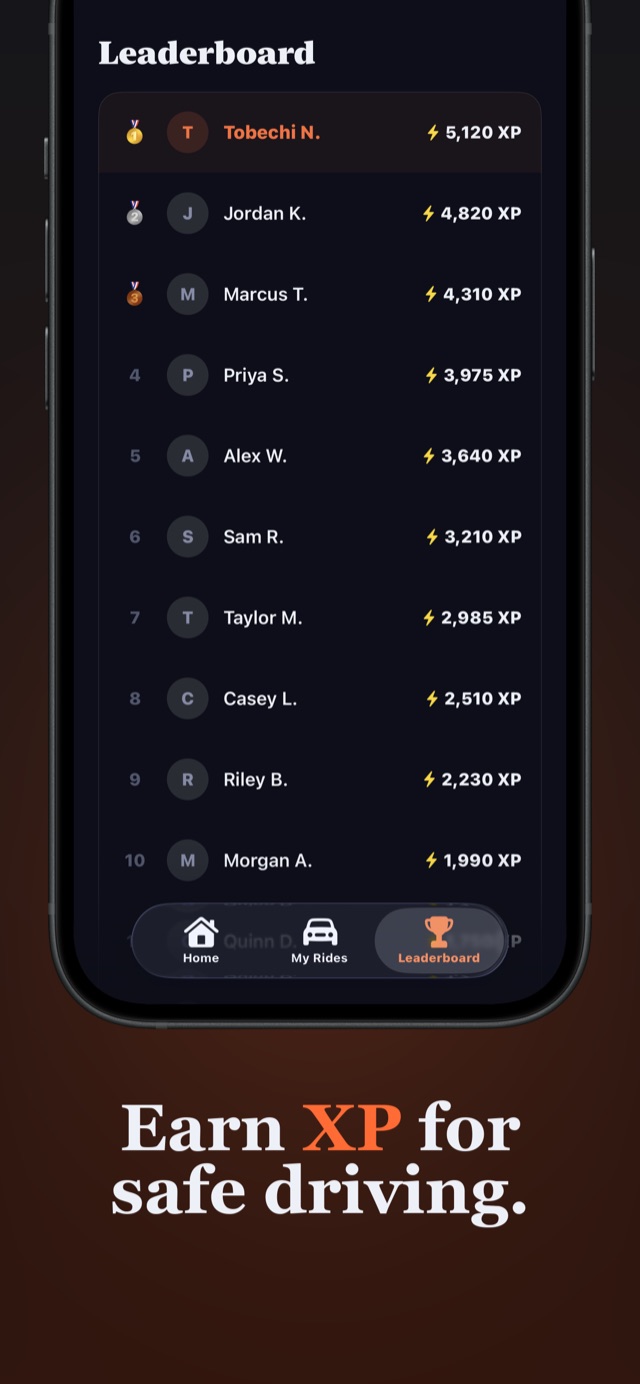
Teens spot a double standard at a hundred yards. The Family Plan covers up to 5 members with independent controls, so you run DriveBlock on your phone too, and the family leaderboard turns safe driving into a competition you'll both enjoy losing. Start free with one blocked app each; upgrade when the habit sticks.
The setup
Set it up with them, not on them.
An app blocker installed on a teen becomes a challenge to defeat. An app blocker set up with a teen, where they pick part of the blocklist themselves, becomes their tool. Ten minutes, once, before the first solo drive.
Build the blocklist together
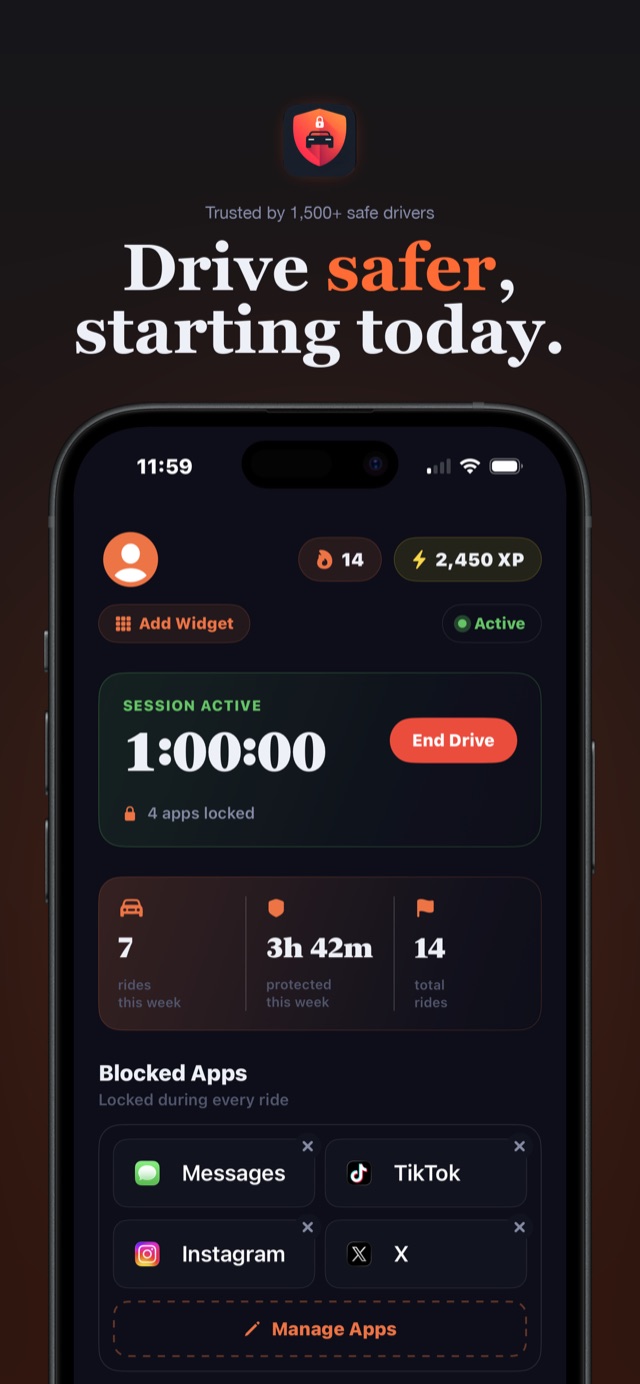
Install DriveBlock on their iPhone and grant Screen Time permission. Then ask them what they'd reach for at a red light. They know. Messages, Instagram, TikTok, and Snapchat cover most of it.
Anchor the tap to the seatbelt
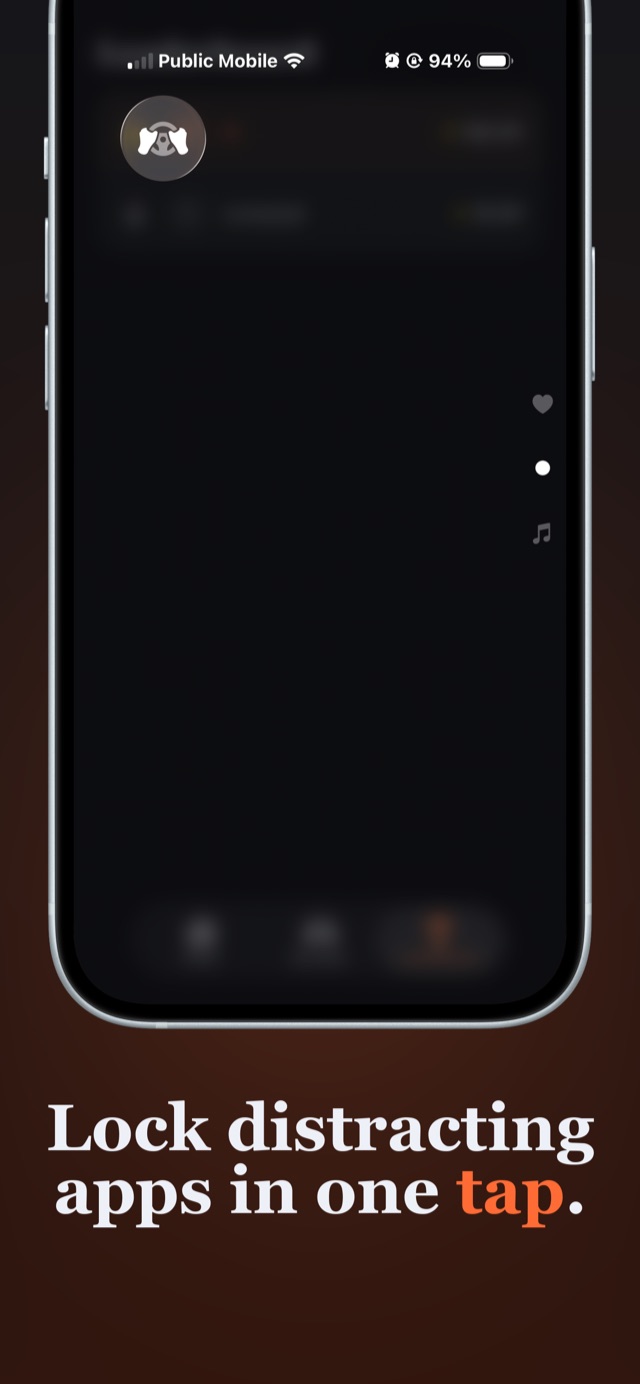
Belt clicks, thumb taps the Control Center toggle, apps lock until they're parked. Two weeks of that and it's as automatic as the buzz-glance-reach reflex it replaces.
Let the streak do the parenting
1 XP per protected minute, a daily streak to defend, a global leaderboard to climb. The same mechanics that keep them glued to their phone now keep it in their pocket. No nagging required.
The conversation
Skip the lecture. They've had it.
"This isn't about trust. It's about reflexes. The notification buzz wins against everyone, including me. That's why it's going on my phone too."
The pitch that lands with teens isn't safety, it's fairness plus respect: the app doesn't watch them, doesn't report on them, and you're subject to the same rules. If you want the full script, including what to say when they push back, we wrote it up: what to say to your teen about phone use while driving. For the complete setup walkthrough, see the app blocker every teen driver needs.
Parent FAQ
What parents ask before the first solo drive.
How can I stop my teen from texting and driving?
The most effective approach is removing the option before the drive starts, not lecturing after. Install DriveBlock on your teen's iPhone together before their first solo drive, choose the apps to block (Messages, Instagram, TikTok, Snapchat), and have them tap the Control Center toggle before every drive. The blocked apps are locked by Apple's Screen Time enforcement until they're parked, and streaks plus XP give them a reason to keep the habit.
LEARN MORE →Is there an app that locks my teen's phone while they drive?
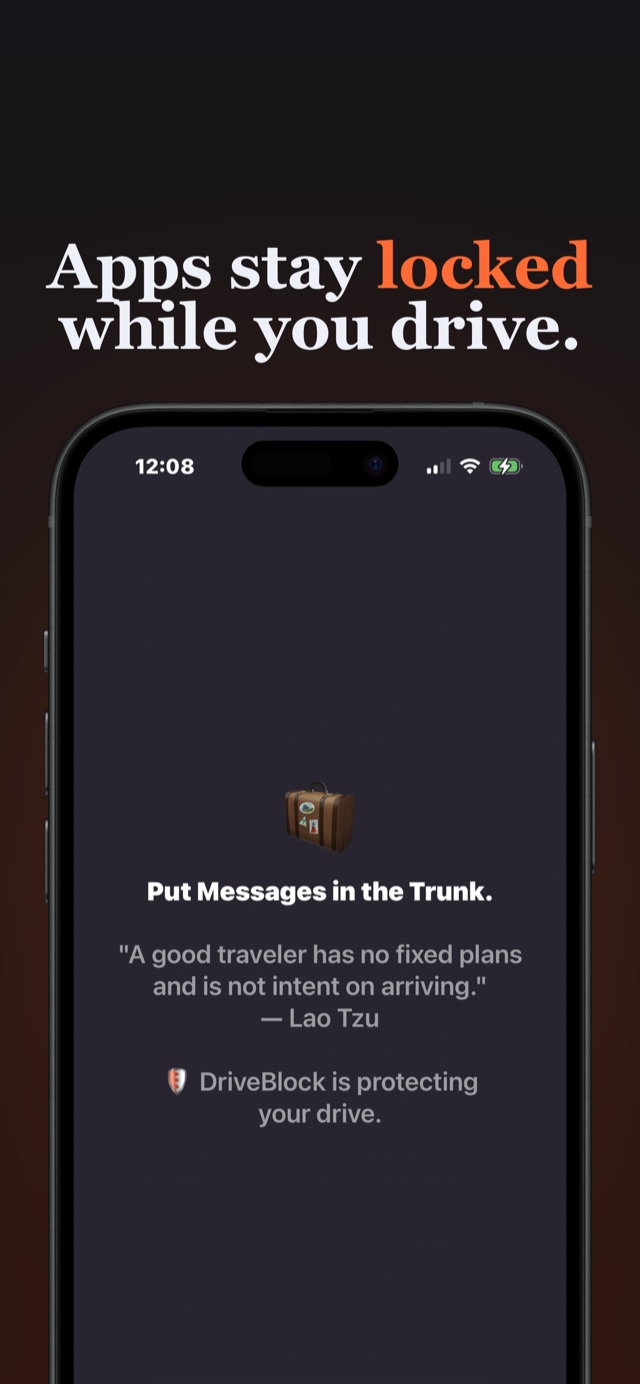
Yes. DriveBlock locks the specific apps you and your teen choose during setup. Once a drive session starts, those apps will not open: the block is enforced by iOS Screen Time, the same system-level mechanism behind parental controls, so it can't be swiped away like a reminder. Maps, calls, and music keep working normally.
LEARN MORE →Can my teen just delete DriveBlock or skip starting a session?
Honestly: yes, DriveBlock is collaborative by design, not surveillance. Sessions are started by the driver, and that is deliberate. Tools that force and track get deleted or gamed; tools teens help set up get used. In practice the streak, XP, and leaderboard give teens their own reason to start every session, and the ride history on their phone makes the habit visible when you check in together. If you want covert enforcement, a tracking app is a different product with a different set of trade-offs.
LEARN MORE →Does DriveBlock track my teen's location?
No. DriveBlock has no GPS access at all: no location tracking, no route history, no speed monitoring, and no account. That is exactly why teens accept it. Their drive history stays on their own device. The only data that ever leaves the phone is their Game Center username and XP score, and only if they join the leaderboard.
LEARN MORE →How is DriveBlock different from Life360?
Life360 and similar apps give you visibility: where your teen is, how fast they drove, after the fact. DriveBlock is prevention: it locks the distracting apps during the drive so the crash-causing glance never happens. It also collects no location data, which removes the surveillance fight entirely. Many families use both; if you only want one, decide whether you want to watch drives or make them safer.
LEARN MORE →What does the DriveBlock Family Plan include?
One subscription covers up to 5 family members, each with independent controls: your teen's blocklist doesn't affect yours. Every member gets Pro features, meaning unlimited app blocking and access to the global leaderboard. Pricing is shown in the app and varies by region.
GET THE APP →Which apps should I block on my teen driver's phone?
Start with the four that pull eyes off the road most: Messages, Instagram, TikTok, and Snapchat. Ask your teen what they would reach for; they know, and naming it matters. With DriveBlock Pro you can also lock the entire Social Media or Games category in one move, which covers apps they install later.
LEARN MORE →Can my teen still use maps and call me during a drive?
Yes. DriveBlock only locks the apps on the blocklist. Apple Maps, Google Maps, Waze, phone calls, and music all keep working during a session, so they can navigate and reach you in an emergency.
LEARN MORE →Their first year of driving is the riskiest. Make it the safest.
Download DriveBlock free, set it up together this weekend, and let the streak take it from there.
FREE TO START · FAMILY PLAN COVERS 5 · NO LOCATION TRACKING